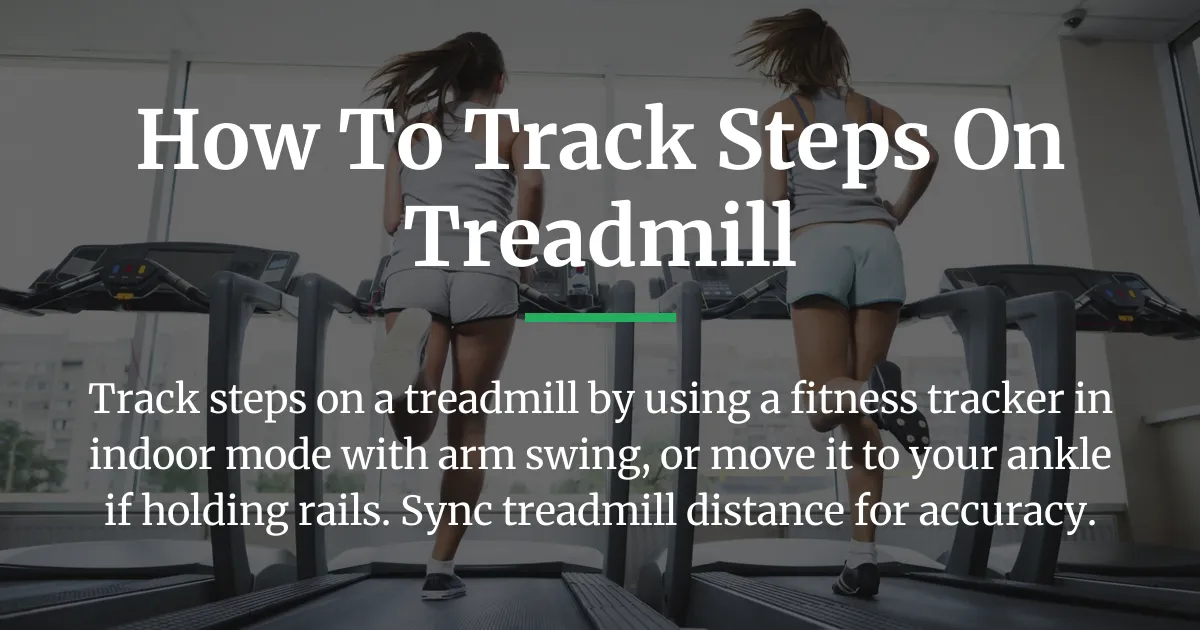
Tracking steps on a treadmill should be simple, but many find their watch or phone misses counts when they hold rails or walk slowly. This guide cuts through the confusion to show you how to track steps on a treadmill reliably. We will explain why devices fail and give you clear strategies based on your gear and workout style for perfect accuracy.
The Best Way to Start Tracking Treadmill Steps
For most people with a smartwatch or fitness band, the best way begins with using the correct workout mode. Start an indoor walk or indoor run activity on your Apple Watch, Garmin, or Fitbit before you step on the belt. This tells your device to rely on its motion sensors instead of GPS.
Keep your arms swinging naturally at your sides as you walk or run. Your tracker uses the rhythm of your arm swing to detect each step. If you maintain this motion, you should see accurate step counts and distance in your app after the workout.
This method works well for hands-free exercise but has a big flaw. The moment you hold the treadmill handrails or place your hands on a desk, the arm swing stops. Your watch then thinks you are standing still, and your step count will stall. This is the core reason for frustration and the start of our deeper fix.
How Your Device Counts Steps
Understanding the technology behind step counting is the key to solving accuracy problems. Your wearable device has a tiny sensor called an accelerometer. It measures movement in all directions.
When worn on the wrist, it is programmed to recognize the specific pitched forward-and-back motion of a swinging arm. Each swing pattern correlates to a step. This is why arm motion is so critical for watches and why the term arms stationary appears in so many user questions.
The device is not counting your leg movements. It is inferring steps from your arm movements. If your arms are still, the sensor has no rhythmic pattern to detect, no matter how fast your legs are moving. This fundamental mismatch is why basic tracking fails for many treadmill users.
Why Placement Changes Accuracy
Where you wear your tracker changes what motion it can sense. A device on your wrist needs arm swing. A phone in your pocket senses the up-and-down motion of your hips, which is closer to your actual steps.
The most accurate placement for treadmill steps is on your ankle or shoe. Here, the sensor detects the direct lift and fall of your leg with each step. This method works perfectly even if you are clutching the handrails for balance or typing at a treadmill desk.
Choose Your Perfect Tracking Method
Now that you know why devices fail, you can pick a solution that fits your real workout. Your choice depends on what you do on the treadmill and what gear you have.
If You Often Hold the Treadmill Rails
Holding rails is common for stability, incline walking, or recovery. To get your steps counted, you need to move the sensor off your static wrist. The simplest fix is to place your fitness tracker on your ankle.
You can buy a simple elastic strap designed to hold an Apple Watch or Fitbit on your ankle. Start an indoor walk workout as usual. The device will now sense your leg motion and count every step accurately.
Another good way is to put your smartphone in your pocket. The health app on your phone uses the same accelerometer logic but from the hip position. This is often more reliable than a watch on a stationary arm.
If You Work at a Treadmill Desk
A treadmill desk user has arms typing or using a mouse, completely stationary. A wrist tracker or ankle band might still work but can be cumbersome. The most reliable tool for this scenario is a footpod.
A footpod is a small sensor that clips to your shoelace. It connects via Bluetooth to your phone or watch and provides precise step and distance data by measuring your foot strikes directly. It is the best way to get accurate steps using a treadmill desk.
Sync the footpod data with apps like Garmin Connect or Apple Health. This solves the problem of adding steps to your daily count when your arms are not moving.
If You Do Not Use a Wearable Device
You can still track steps on a treadmill without any watch or band. Use the health app on your smartphone by placing it in your pocket or an armband during your walk. It will track your steps using the phone’s built-in motion processor.
Another method is to use the treadmill’s own console. Most treadmills do not count steps, but they measure distance very accurately through belt rotations. You can convert this distance into an estimated step count.
A general rule is that 2,000 steps equal about one mile of walking. If your treadmill says you walked 2 miles, you can estimate 4,000 steps and log them manually in your health app. This gives you a good way to track progress using the most accurate distance data available.
Sync Treadmill Data with Your Fitness App
For fitness enthusiasts, the goal is a complete and accurate activity record. This often means combining the step count from your wearable with the precise distance from the treadmill console. Here is how to make all your data work together.
Use the Treadmill’s Distance Reading
The distance on your treadmill console is usually very accurate because it comes from counting belt revolutions. You can add this data to Apple Health or Google Fit to override the less accurate distance estimate from your watch’s steps.
After your workout, open your health app and find the option to add data manually. Enter the workout type, duration, and the distance from the treadmill. This ensures your activity rings and calories are based on the correct mileage.
For Garmin users, you can manually add a treadmill activity in Garmin Connect and input the distance. This will contribute to your daily steps and intensity minutes with better accuracy.
Calibrate Your Watch for Better Estimates
You can train your watch to be smarter about indoor steps. Both Apple Watch and Garmin devices have a calibration feature. It learns your personal stride length by comparing GPS data from outdoor walks with your arm motion.
To calibrate an Apple Watch, go for a 20-minute outdoor walk using the Workout app. For Garmin, use the outdoor walk or run activity. Do this a few times in different weather conditions on open paths.
This stored calibration data makes your watch’s estimates for indoor distance and steps much more reliable over time. It is a one-time setup that pays off with pretty accurate distance data on future treadmill sessions.
Frequently Asked Questions
How accurate is the step count on a treadmill console?
Most treadmill consoles do not count steps at all. They display distance based on belt movement. Any step number shown is a rough estimate using an average stride length, so it is not reliable for personal tracking.
Can I add treadmill desk steps to Garmin Connect?
Yes, you can add treadmill desk steps to Garmin Connect. The most reliable method is to use a Garmin footpod or a compatible activity tracker worn on your ankle. These devices sync steps directly to your connect account.
Why does my Apple Watch show fewer calories on the treadmill?
Your Apple Watch shows fewer calories on the treadmill often because holding rails reduces arm motion and can lower your heart rate. The watch uses both movement and heart rate to estimate burn. For better accuracy, use a chest strap heart rate monitor.
Is tracking steps with a phone in my pocket accurate?
Tracking steps on a treadmill with a phone in your pocket is generally accurate. It senses hip motion, which is closer to your actual steps than a stationary wrist. Accuracy can vary with phone placement and walking speed, but it is a good way.
What is the most accurate way to track treadmill workouts?
The most accurate way to track treadmill workouts is to pair a footpod for precise step and distance data with a chest strap heart rate monitor for calorie burn. Syncing both to your fitness app gives you complete and accurate information.
Does an Apple Watch track steps on a treadmill without arm swing?
An Apple Watch will not track steps on a treadmill accurately without arm swing. Its primary method is detecting wrist motion. For no arm swing, move the watch to your ankle or use a footpod to capture steps.
How can I measure steps on a treadmill without a watch?
You can measure steps on a treadmill without a watch by using your smartphone’s health app in your pocket. Alternatively, calculate steps from the treadmill’s distance readout using the average of 2,000 steps per mile.
Why is my step count different between my watch and treadmill?
Your step count differs because your watch estimates steps from arm motion, while the treadmill estimates from belt distance and an assumed stride length. They are using different data sources, which rarely match perfectly.
Can I use an indoor run workout for walking on a treadmill?
You can use an indoor run workout for walking on a treadmill, but it may slightly overestimate calories. For best results, select indoor walk for walking speeds and indoor run for running speeds to match the correct algorithm.
How do I get accurate step counts with a first-generation device?
To get accurate step counts with a first-generation fitness tracker, ensure it is worn correctly on your wrist with arm swing, or move it to your ankle. Older devices have less advanced sensors, so placement is even more critical.
Learning how to track steps on a treadmill is about matching your method to your behavior. From choosing where to wear your device to syncing treadmill data, you now have the strategies to achieve accurate step counts for any workout.