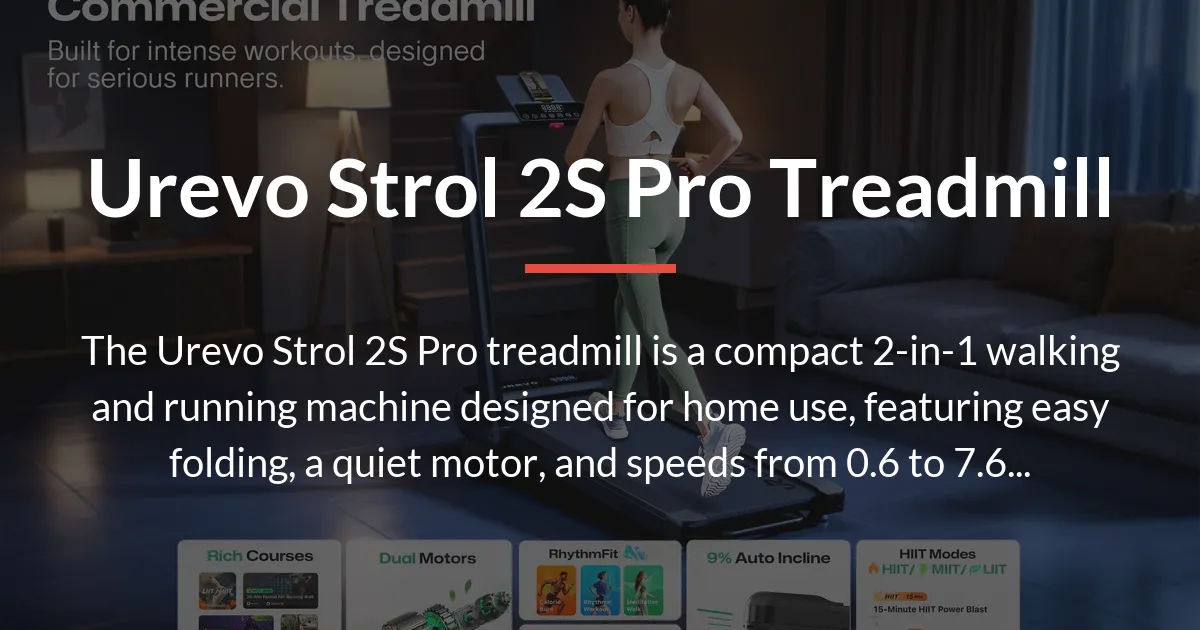
If you are considering the Urevo Strol 2S Pro treadmill, you probably want to know if it is the right fit for your home and fitness routine. This machine is a compact, dual-purpose treadmill designed for people who need to save space but still want the option to walk and run. It makes a specific trade-off by offering versatility in a smaller form, which means it is excellent for walking and light running but not built for intense, daily marathon training.
What the Urevo Strol 2s Pro Treadmill Is Designed For
The Urevo Strol 2S Pro treadmill exists to solve a common problem: how to get a treadmill into a home without dedicating a whole room to it. Its core purpose is to serve two different exercise modes within one machine, adapting to your changing fitness goals from one day to the next.
The Core 2-in-1 Proposition
This product combines a walking pad and a running machine into a single unit. You can use it for slow, steady walking at speeds perfect for working at a standing desk. Then, with a quick adjustment, you can switch to a faster pace for a jog or run, all without needing a separate piece of equipment. The speed range from 0.6 to 7.6 miles per hour covers everything from a casual stroll to a decent running workout.
The included auto-incline feature, which goes up to 9 percent, helps increase the intensity of your session. This adjusts the angle of the deck to simulate walking or running uphill, which can improve your calorie burn and add variety to prevent workout boredom.
Key Design Philosophy: Compactness and Dual Functionality
Every part of the Strol 2S Pro’s design prioritizes saving space. The easy-folding technology lets you fold the treadmill flat so it can be slid under a bed or stood upright in a closet. The frame is reinforced to stay sturdy during use while keeping the overall weight manageable for moving.
It uses a brushless motor that is quieter and often more durable than older motor types, aiming for a long life in a home environment. The design also integrates a tablet holder and a screen into the handlebar, so you can easily use your own mobile device for entertainment or follow along with workout apps.
Performance and Daily Use Experience
Reading the specifications gives you one picture, but using the treadmill every day reveals what it is actually like. The experience changes significantly between walking mode and running mode, and how you interact with the controls matters for your routine.
Walking Mode Versus Running Mode Realities
In walking mode, which uses speeds from 0.6 to 4.0 mph, the treadmill is very stable and quiet. This makes it genuinely useful as an under-desk walking pad for several hours of work. The motor hums softly and the belt moves smoothly, allowing you to focus on your tasks.
When you shift to running mode and push the speed toward the maximum of 7.6 mph, the character of the machine changes. The 2.5 horsepower motor provides enough power for light to moderate running, but you will feel the limits of the compact frame. It is stable for jogging, but intense sprinting or long-distance running might cause more vibration and noise than a larger, gym-style treadmill.
The Handlebar and Control Interface in Action
The handlebar is ergonomically designed with all the controls built in. The central screen shows your speed, time, distance, and estimated calorie burn. You adjust settings with buttons on the handlebar or by using the included remote control, which is convenient when you are in the middle of a run and do not want to reach forward.
Having the tablet holder right on the handlebar is a practical feature. You can prop up a phone or tablet to watch videos or join a video call while walking. This directly contributes to overall workout enjoyment by making the time pass quickly, especially during long walking sessions.
Integrating Your Mobile Device and the Urevo App
The treadmill can connect to the Urevo app on your phone via Bluetooth. The app promises real-time workout metrics and access to some training programs. In practice, the app works for basic tracking, letting you see your history and follow simple guided workouts.
However, the experience is not deeply immersive. The app functions more as a simple logbook rather than a sophisticated training partner. It does not seamlessly sync with popular third-party fitness apps like Zwift, so if you are invested in a broader fitness ecosystem, this could be a limitation.
Critical Considerations Beyond the Spec Sheet
Many reviews simply repeat the manufacturer’s features. To make a smart decision, you need to think about the practicalities that are not in the brochure. These factors affect your long-term satisfaction and daily convenience.
The True Space and Storage Requirements
The easy-folding technology is helpful, but storing the treadmill is not as simple as just folding it. When folded, it is still a large, heavy object that needs a dedicated spot. In a small apartment, you might need to lift and maneuver it every day, which can become annoying if you lack a permanent corner for it.
As an under-desk treadmill, it works well if your desk is the right height. You need enough clearance for your legs and the treadmill’s height, and enough floor space for the full length of the deck when unfolded. Measuring your space beforehand is crucial to avoid frustration.
Long-Term Durability and Ownership Factors
The reinforced frame and brushless motor are built for durability, but like all machines, parts will wear over time. With regular use over 6 to 12 months, you might need to maintain the belt by lubricating it to keep it running smoothly and quietly. The motor is designed to last, but heavy daily running could shorten its lifespan compared to lighter walking use.
Understanding the warranty is important. It typically covers certain parts for a limited time, but you should check what exactly is included and how to claim it. Knowing about part availability for repairs can save headaches later if something goes wrong after the warranty ends.
Evaluating the App and Connected Features
The Urevo app’s real-time workout metrics provide basic data, but they are not a game-changer. They show you numbers like speed and calories, which are useful for tracking, but do not offer advanced insights or personalized coaching. For many users, it is a nice bonus but not a primary reason to buy the treadmill.
If you expect a fully integrated smart fitness experience, you might be disappointed. The app feels more like an added feature rather than a core part of the product’s value. Your mobile device is better used for your own preferred apps and content, with the treadmill serving as a reliable physical platform.
Ideal User Profiles for This Treadmill
The Urevo Strol 2S Pro is an excellent tool for specific people and situations. Recognizing whether you fit these profiles will tell you if this is a wise purchase for your needs or if you should look at other options.
Maximizing the Urevo Strol 2s Pro for Your Fitness Goals
This treadmill is ideal for someone whose fitness objectives include daily low-impact exercise and occasional light running. If you work from home and want to walk throughout the day to stay active, it is a perfect match. It also suits apartment dwellers or anyone with limited floor space who cannot accommodate a bulky, permanent running machine.
For general health maintenance, weight management, or adding movement to a sedentary routine, the versatility of the 2-in-1 design is a significant advantage. You can easily switch between activities based on your energy level and schedule without needing multiple pieces of equipment.
Recognizing the Limitations and Suitable Alternatives
This treadmill is not the best choice for serious runners or athletes focused on intense training. The motor and frame are not designed for prolonged, high-speed running or heavy users near the maximum load capacity frequently. If your primary goal is to train for races or do high-intensity interval training regularly, a more robust, dedicated running machine would be a better investment.
Similarly, if you dislike any friction in your routine, such as moving the treadmill for storage or dealing with a basic app, you might prefer a different model. Some alternatives offer more advanced screens, stronger motors, or better integration with fitness ecosystems, though they often come at a higher price and larger size.
Setup and Getting Started
The journey from unboxing to your first workout involves a few steps. Knowing what to expect helps you prepare and ensures you create a safe environment for exercise.
Unboxing and Initial Assembly Process
When the treadmill arrives, the box is large and heavy. It is advisable to have a second person help you move it to the room where you plan to use it. Inside, the main components are packed securely, and you will need basic tools like a wrench, which are usually included.
Assembly is straightforward but requires attention. The main tasks involve attaching the upright handlebar to the base and connecting the console. The manual provides clear instructions, and following them step by step prevents mistakes that could affect safety or performance.
- Carefully remove all parts from the box and lay them on a clean, spacious floor.
- Attach the handlebar assembly to the main deck using the provided bolts and tools, tightening them firmly.
- Connect the wires from the console to the ports on the frame, ensuring they are secure.
- Plug the power cord into a standard wall outlet and ensure the area is clear.
- Unfold the treadmill completely, listening for the lock to engage, and place the safety key in its slot.
Safety and Creating a Secure Workout Environment
Always place the treadmill on a flat, hard surface like a hardwood floor or a low-pile carpet. This prevents rocking or shifting during use. Use the safety clip by attaching it to your clothing; if you slip or fall, it will pull out and stop the belt immediately, reducing injury risks.
Keep the space around the treadmill clear of furniture, toys, or other obstacles. Wear appropriate athletic shoes with good grip, and start with a slow speed to get used to the feel of the belt. Regularly check that all parts are tight and the belt is centered to maintain a secure workout environment.
Frequently Asked Questions
What is the weight capacity of the Urevo Strol 2s Pro treadmill?
The maximum load for the Urevo Strol 2S Pro treadmill is 265 pounds. This is the weight limit for safe operation during walking or running.
Does the Urevo Strol 2s Pro require oiling or regular maintenance?
Yes, the Urevo Strol 2S Pro treadmill requires periodic maintenance, including lubricating the belt every few months depending on use. This keeps the belt moving smoothly and reduces wear on the motor.
Can you use the Urevo Strol 2s Pro as a walking pad under a standing desk?
Yes, you can definitely use the Urevo Strol 2S Pro as a walking pad under a standing desk. Its low profile and quiet operation in walking mode make it suitable for this purpose.
How loud is the Urevo Strol 2s Pro treadmill during running?
The Urevo Strol 2S Pro treadmill is relatively quiet, but during running at higher speeds, it produces a moderate humming sound. It is quiet enough for home use without causing major disturbances.
What is the warranty for the Urevo Strol 2s Pro?
The warranty for the Urevo Strol 2S Pro treadmill typically covers parts and labor for one to two years, but you should verify the exact terms with the seller or Urevo’s official policy.
Does it come with a remote control, or is control only via the screen/app?
It comes with a remote control that lets you adjust speed and incline, in addition to the controls on the handlebar screen and the optional Urevo app.
What type of power outlet does the Urevo Strol 2s Pro need?
The Urevo Strol 2S Pro treadmill needs a standard 120V household power outlet. The power cord is included and plugs directly into a common wall socket.
Are the workout programs pre-set, or can you customize them?
The workout programs are mostly pre-set within the treadmill’s system and the Urevo app. There is limited ability to customize them, so they are best for following structured routines rather than creating highly personalized ones.
How does the auto-incline function actually work on this model?
The auto-incline function on the Urevo Strol 2S Pro works by electronically adjusting the front of the deck to angles between 0 and 9 percent. You control it via buttons on the handlebar or remote to simulate hills during your workout.
Is the Urevo Strol 2s Pro compatible with third-party fitness apps like Zwift?
No, the Urevo Strol 2S Pro treadmill is not directly compatible with third-party fitness apps like Zwift. It is designed to work primarily with the Urevo app for basic tracking and programs.
Final Assessment
The Urevo Strol 2S Pro treadmill is a well-designed machine for specific home users. It successfully delivers a versatile 2-in-1 walking and running experience in a compact form, making it a great choice for those with space constraints who want to stay active. Its easy-folding feature, quiet motor, and practical design for under-desk use are strong points. However, it is not built for intense training or users who want advanced smart features. For walking, light running, and maximizing small spaces, the Urevo Strol 2S Pro treadmill offers solid value and performance.